
Install the Extension
Get the latest version of Apply Bot browser extension from GitHub Releases.Download Apply Bot Browser Extension
Click here to download the latest release
Installation Steps
1
Download the Extension
Visit the GitHub Releases page and download the latest version
2
Install in Your Browser
For Chrome/Edge:
- Open your browser and navigate to
chrome://extensions/(oredge://extensions/) - Enable “Developer mode” in the top right corner
- Click “Load unpacked” and select the downloaded extension folder
3
Verify Installation
Look for the Apply Bot icon in your browser toolbar to confirm successful installation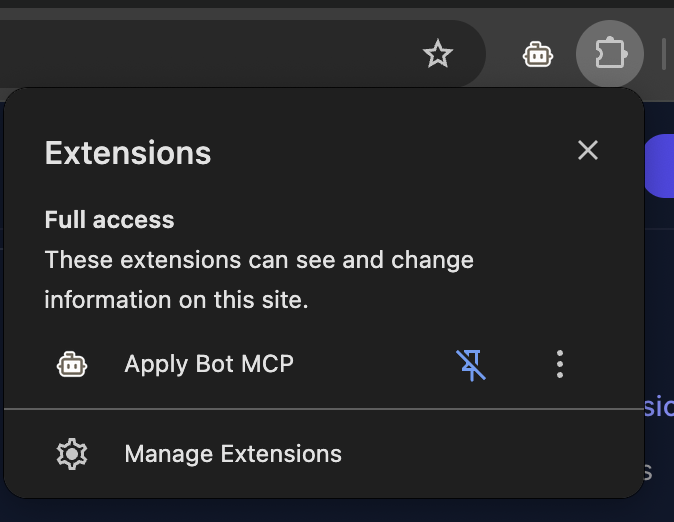
Next Steps
Configure MCP Server
Set up the MCP server to enable AI-powered job application assistance